Install JDM Cupholder

Honda Civic EK (96-00)

1. Remove the armrest/centre console by unscrewing 6 screws (3 on each side)
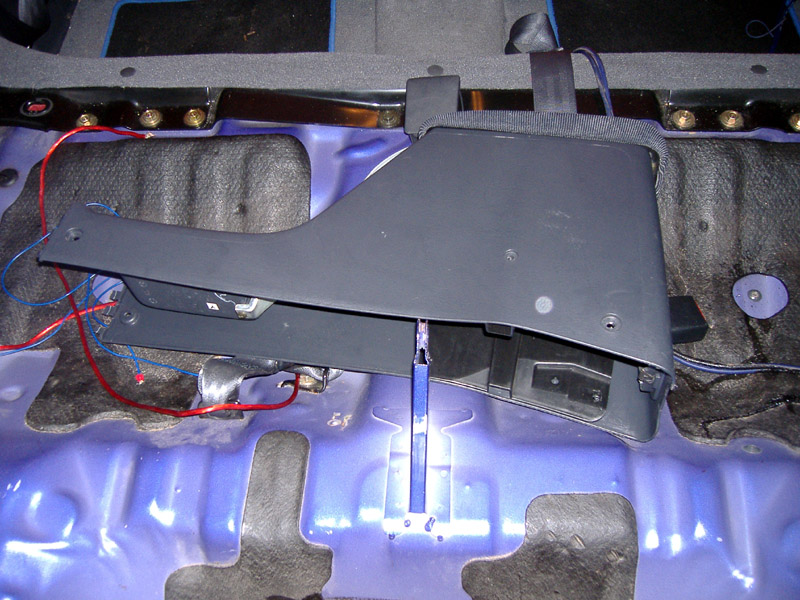
2. Unscrew the gear knob.
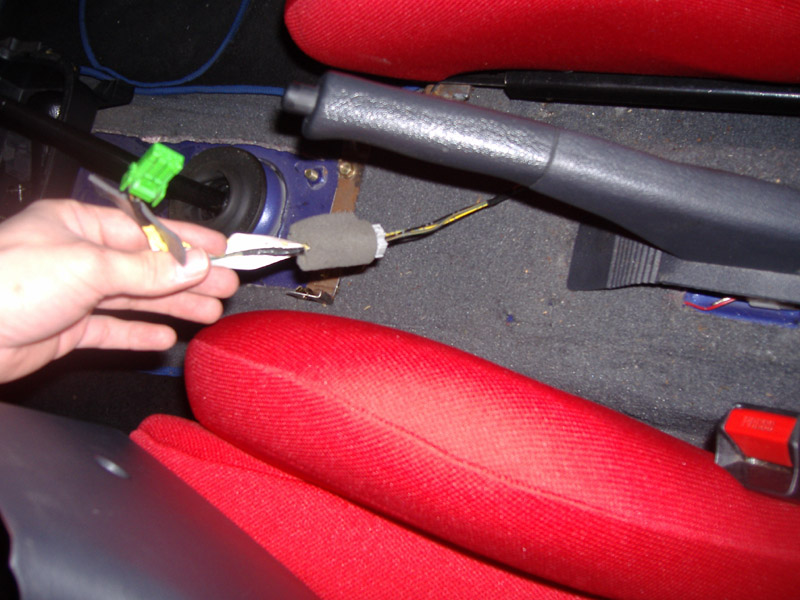
3. Unclip the rear section of the centre console and it lifts away.

4. Remove the front section of the centre console, lifting it up and over the gear stick. 
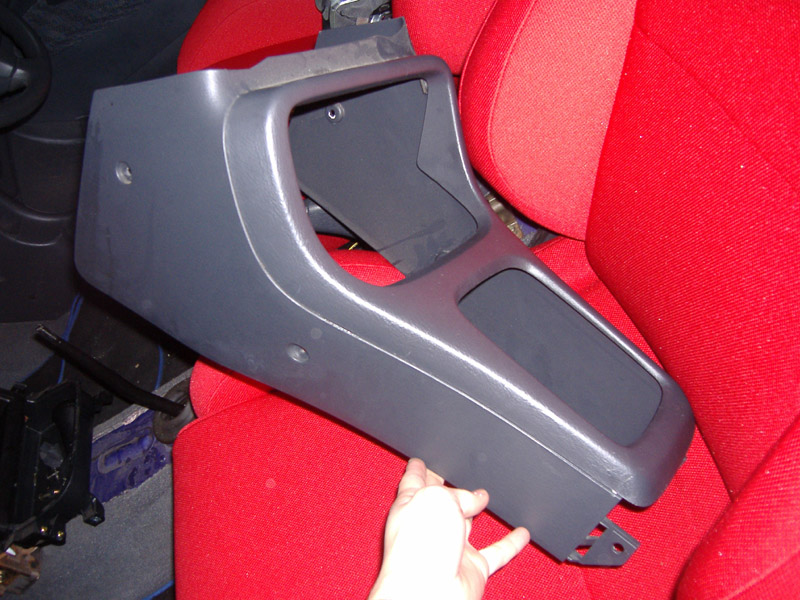
(Above - JDM Cupholder installed and popped out ready for drink!)

5. Remove the centre bin module by unscrewing the 6 screws holding it in place.
It is obvious which ones these are!

6. Looking at the back of the centre bin, unscrew the 5 screws that you can see.
3 Hold the blanking plate on and the other two attaches the lower tray to the rest of the centre bin module.

7. Slot the cup holder in and screw in place. Two screws go into the back at the top and then one on each side.

8. Screw the lower tray back on.

9. Refit the centre bin module back into the car.
One screw missing as the blanking plate only needed 3.

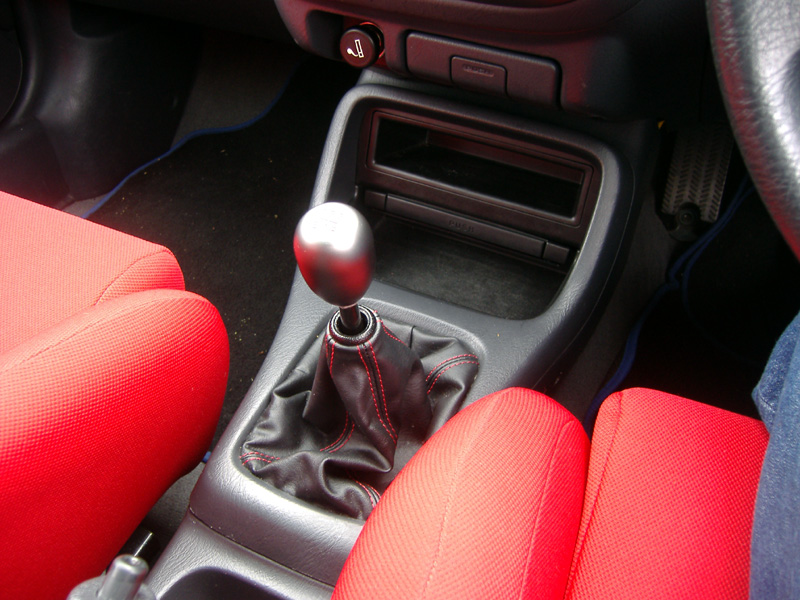
10. Refit the centre console and gear knob.

And here's mine fitted in place! 

Make a Free Website with Yola.